Please follow these instructions to reset DraftSight user settings.
1. Close DraftSight.
2. Open Windows File Explorer (folder view).
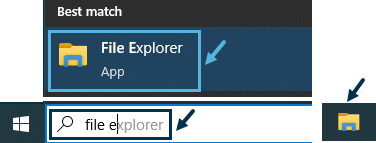
3. Type or copy-paste the text %appdata% to address bar and press "Enter" button.
Windows navigates to folder "Username"\AppData\Roaming.

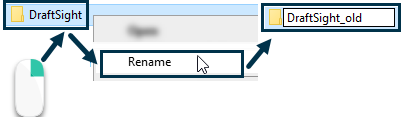
4. Rename the folder named "DraftSight" to a different name, such as "DraftSight_old".
5. Launch DraftSight. It opens now with default factory settings.
Comments
Please sign in to leave a comment.